

Features of copainter Layer Separation
Simply upload an illustration, and the AI automatically recognizes characters and backgrounds, separating them into independent layers. Even from layer-merged illustrations or single-layer images received from others, you can generate PSD files where each part is individually editable. It flexibly handles situations where the original layer data is missing, such as remaking past illustrations or creating variations for commissioned works.
You don’t need a high-performance PC or complex software to use this tool. With its intuitive web interface, even beginners can operate it with ease. copainter is a next-generation creative support tool that expands your creative potential and makes the production process easier.
Convert a single illustration into a layered PSD
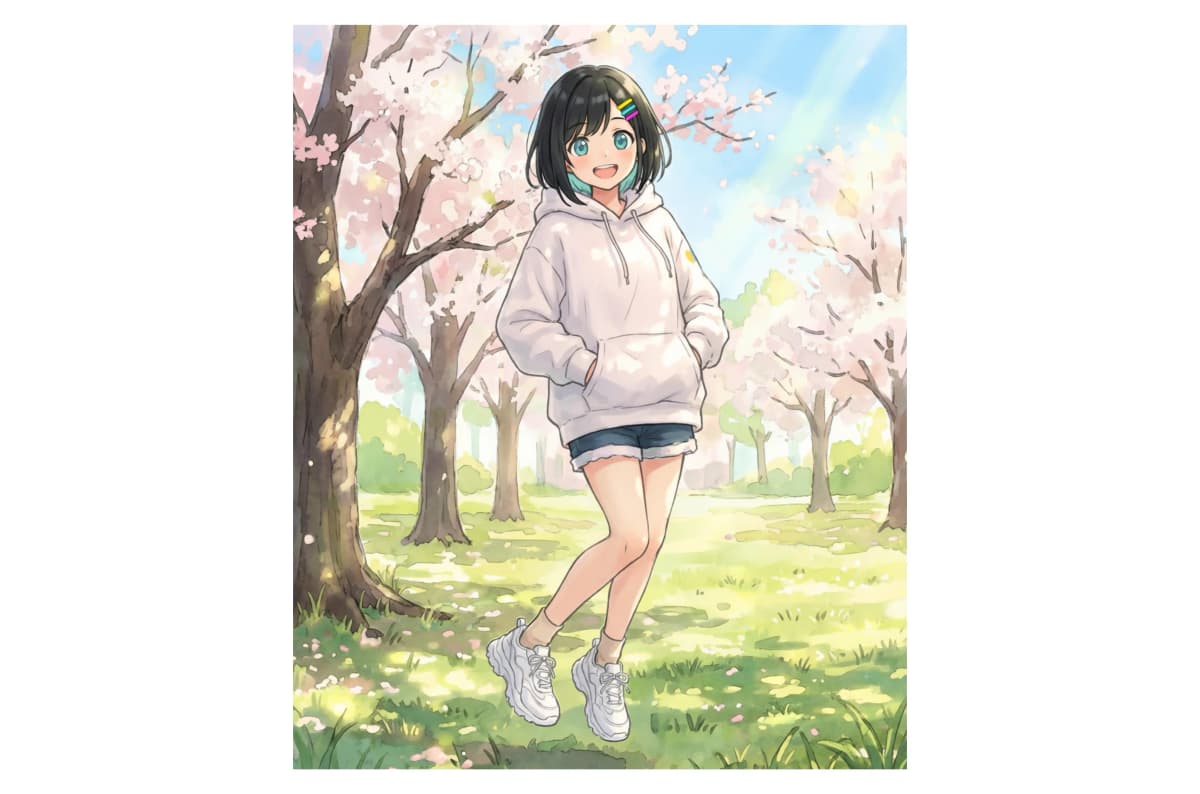

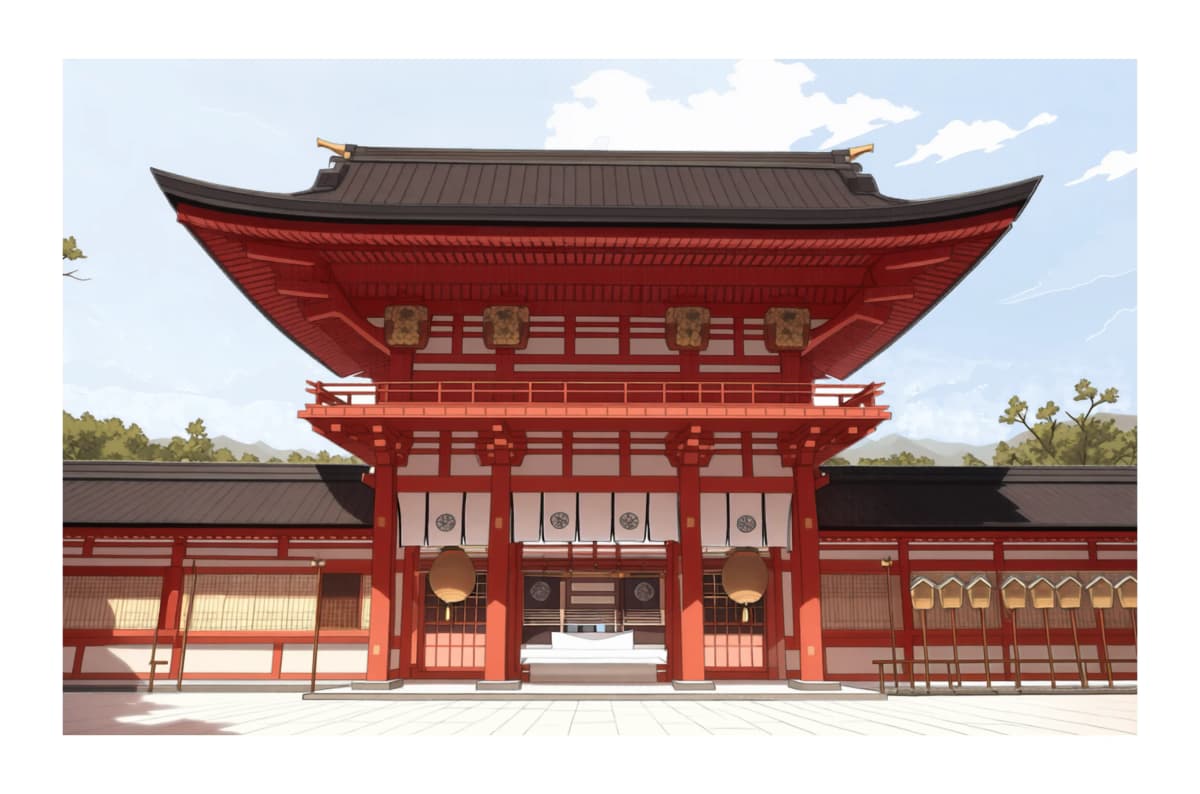

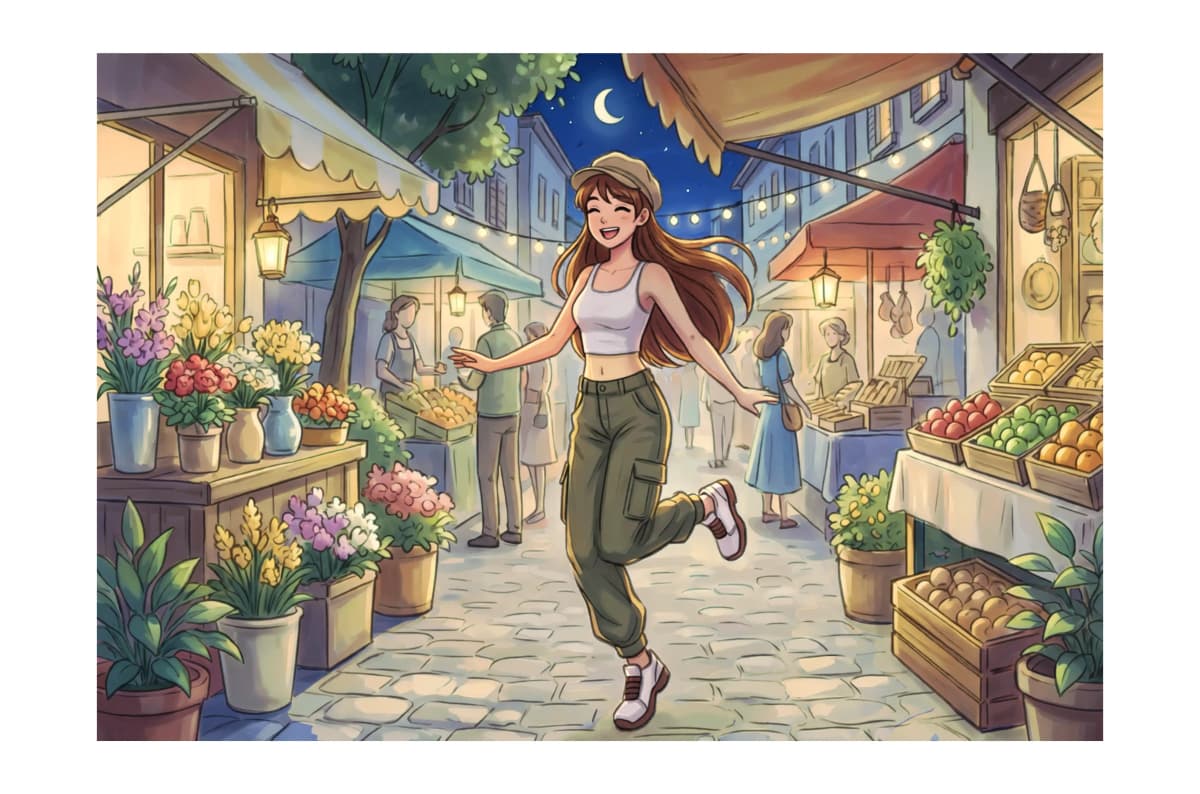

It's very easy to use
Upload an image

Upload the finished illustration you want to separate into layers. Both character illustrations and illustrations with backgrounds are supported.
Click the submit button

Click the 'Submit' button and wait a moment. (This consumes 3 tickets.)
Get your layered PSD!

After about 10 seconds, a layer-separated PSD file will be generated. If everything looks good, download it and start editing in Clip Studio or Photoshop!
Why copainter Layer Separation is chosen
Outputs as PSD for immediate editing
The output PSD file can be opened directly in Photoshop or Clip Studio Paint. Each layer is organized with descriptive names, making it easy to identify which part is where at a glance. You can start editing immediately.


