

AI Assistant
Generate consistent variations from reference images and text
Get started for free
Features of copainter AI Assistant
Generate variations of the same character or convert art styles while preserving character features from images and text. Create original scenes like "this character turning around on the schoolyard" or "the characters from image 1 and 2 playing together," as well as use it for reference material creation such as "changing expressions or poses" or "creating three-view sheets or outfit variations." Due to the nature of AI, the output may sometimes differ from your intent, but it often improves by trying several times or rephrasing your instructions. This is a reliable tool that easily makes your illustration ideas come true, not only for hobby creation but also for professional production work.
You don’t need a high-performance PC or complex software to use this tool. With its intuitive web interface, even beginners can operate it with ease. copainter is a next-generation creative support tool that expands your creative potential and makes the production process easier.
Generate consistent variations from reference images and text
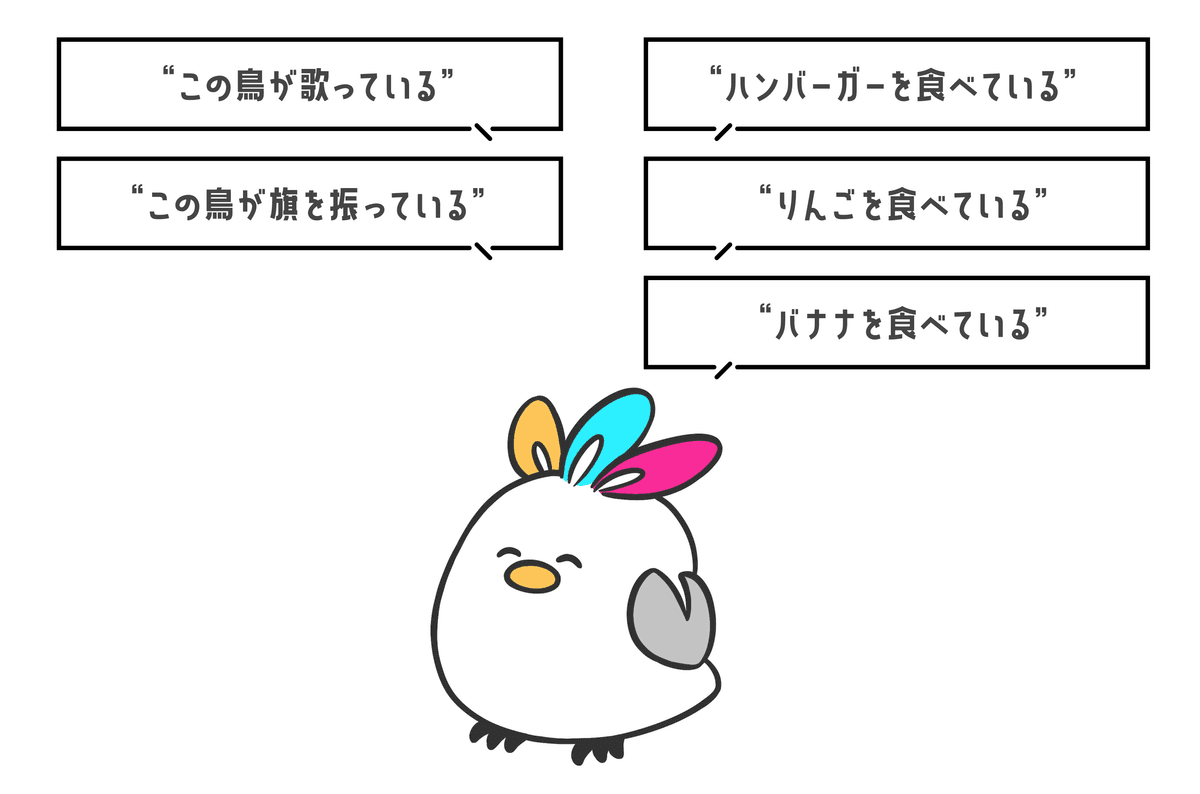

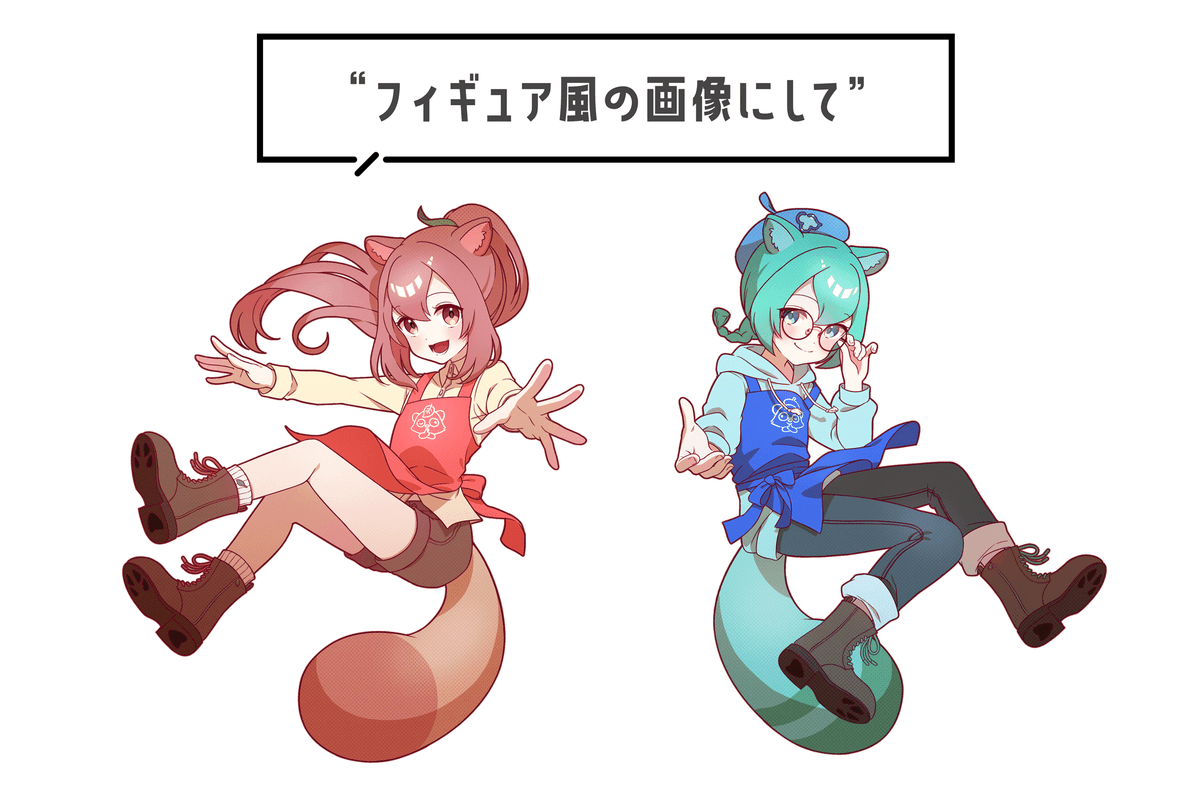

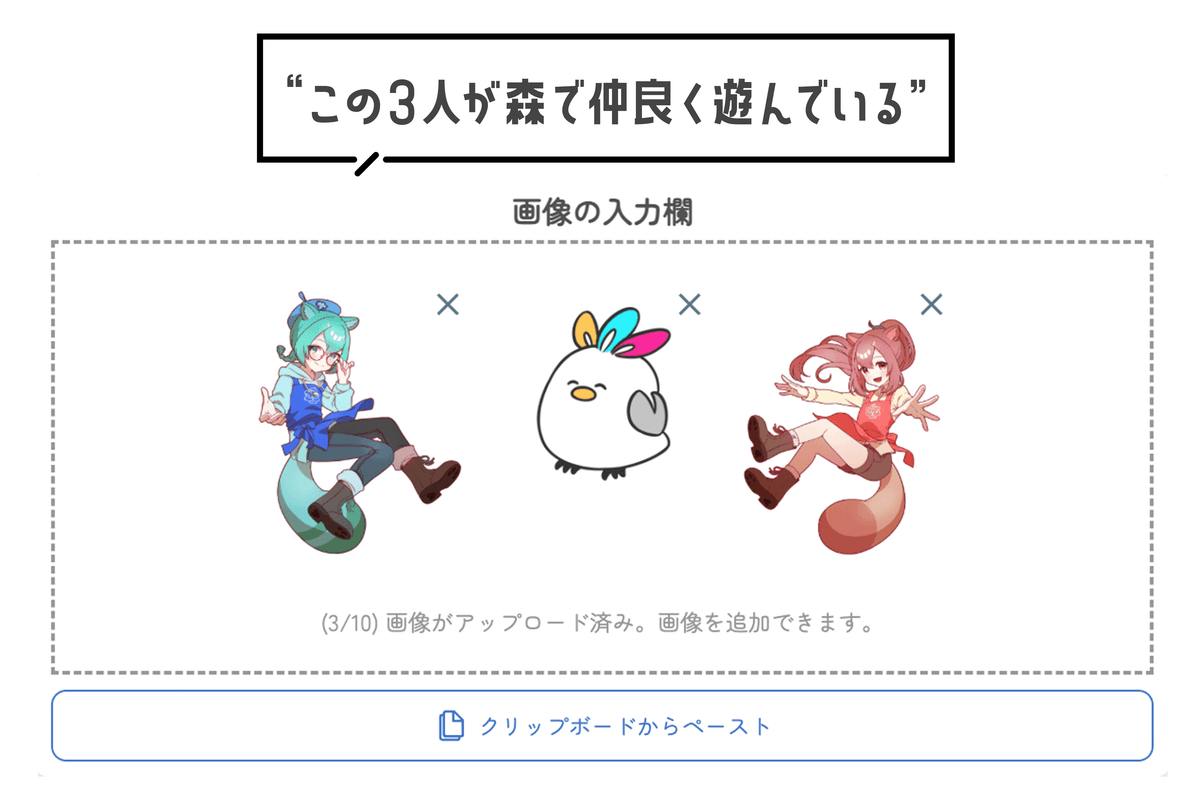

It's very easy to use
Upload images

Upload any images. (※Generation is possible without images.) You can upload up to 3 or 10 images simultaneously.
Set model, aspect ratio and prompt

Set the "Model," "Aspect Ratio," and "Prompt," then press the "Submit" button. (The standard model consumes 2 tickets, while the Pro model consumes 5 tickets.)
Get your image!

After about 10 seconds, the desired image will be generated. If everything looks good, download the image!
Why copainter AI Assistant is chosen
Mass-produce variations while maintaining the same art style
Generate three-view sheets, expression and outfit variations, pose conversions, and seasonal background changes all in one consistent style. Improves production speed and reproducibility. Reduces retakes and rework in manga/webtoon/game production.

Hit your target with Japanese prompts and reference images
Combine text instructions (in Japanese) with reference images to accurately specify character features and world views. Quickly prototype variations exactly as intended, like "change the hair color while keeping this hairstyle" or "keep the composition but change to an evening scene."


